
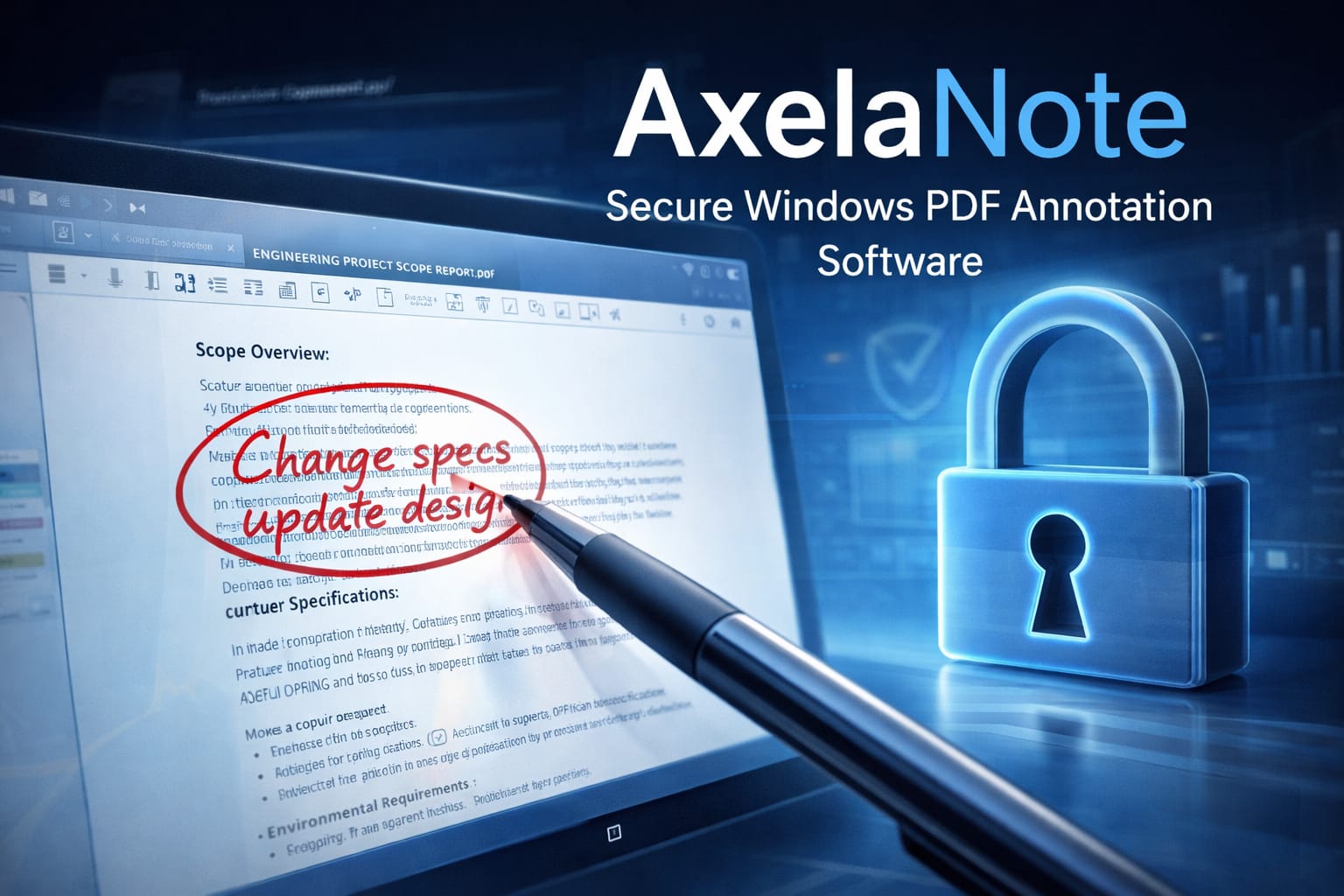
In today’s digital-first work environment, professionals often face a common challenge: how to annotate secured or restricted PDF documents without altering the original file. AxelaNote addresses this problem through an innovative overlay-based annotation system designed specifically for Windows users.
Unlike traditional PDF editors that modify document layers directly, AxelaNote introduces a non-destructive approach that preserves the integrity of the original file while enabling seamless handwritten or typed annotations.
What Is AxelaNote?
AxelaNote is a Windows-based annotation tool developed to allow users to write on, mark up, and comment on PDF files — including those protected against editing. Instead of unlocking or altering the original document, the software places a transparent digital layer over it. This ensures:
- The source PDF remains untouched
- Annotations are stored separately
- Document authenticity is preserved
This makes it particularly valuable in industries where document integrity is critical.
Core Technology: Transparent Overlay System
The defining feature of AxelaNote is its patented transparent overlay mechanism.
How It Works:
- The original PDF file loads normally.
- A digital annotation layer sits above the file.
- All notes, drawings, and highlights are recorded on this separate layer.
- The base document remains unchanged.
This method prevents accidental edits, maintains compliance, and supports document security policies.
Key Features
1. Non-Destructive Editing
AxelaNote allows users to annotate without modifying the original PDF structure. This is especially important for legal documents, contracts, blueprints, and official reports.
2. Works with Restricted PDFs
Many PDFs contain restrictions such as:
- “Editing not allowed”
- “Printing disabled”
- “Copying prohibited”
AxelaNote enables annotation without bypassing or breaking these protections.
3. Stylus and Pen Support
The software supports pen-input devices, making it ideal for:
- Microsoft Surface devices
- Windows tablet PCs
- Digital stylus users
Handwritten notes feel natural and responsive.
4. Industry Workflow Optimization
AxelaNote is widely used in sectors where reviewing documents digitally improves efficiency, such as:
- Architecture
- Civil engineering
- Government infrastructure departments
- Construction planning
- Technical design review
It eliminates the need to print, annotate manually, and rescan documents.
Use Cases
Professional Document Review
Teams reviewing sensitive contracts or compliance documents can annotate safely without altering the official file.
Educational & Research Use
Students and researchers can highlight and comment on academic PDFs without damaging the original source material.
Infrastructure & Public Sector Projects
Government agencies managing large-scale documentation benefit from digital markup capabilities while preserving document control.
Recent Adoption Trends
As digital transformation initiatives expand, AxelaNote is increasingly integrated into enterprise-level document workflows. Organizations focusing on paperless systems and secure review processes are adopting overlay-based solutions to maintain document authenticity.
Flexible licensing options — from individual users to large enterprise subscriptions — allow scalability based on organizational needs.
Advantages of AxelaNote
- Protects original PDF integrity
- Enhances digital workflow efficiency
- Supports pen-based annotation
- Reduces paper dependency
- Improves collaboration in secure environments
Limitations to Consider
While powerful, AxelaNote is:
- Designed specifically for Windows
- Primarily focused on annotation rather than full PDF editing
- Best suited for structured review workflows
Users seeking full document modification tools may need complementary software.
Why AxelaNote Stands Out
In a market filled with traditional PDF editors, AxelaNote differentiates itself by prioritizing security and non-destructive workflows. Its overlay-based technology makes it especially valuable in environments where compliance, documentation control, and audit trails are essential.
For organizations balancing digital efficiency with strict document governance, AxelaNote provides a focused and practical solution.
Frequently Asked Questions (FAQ)
1. What is AxelaNote used for?
AxelaNote is used to annotate PDF documents securely without modifying the original file.
2. Does AxelaNote change the original PDF?
No. It uses a transparent overlay layer, ensuring the original document remains untouched.
3. Can AxelaNote annotate protected PDFs?
Yes, it allows annotation on PDFs that have editing or printing restrictions.
4. Is AxelaNote available for Mac?
No, it is currently designed for Windows operating systems only.
5. Does AxelaNote support stylus input?
Yes, it supports pen-input devices and Windows tablet PCs.
6. Who should use AxelaNote?
It is ideal for legal professionals, engineers, architects, government departments, students, and compliance teams.