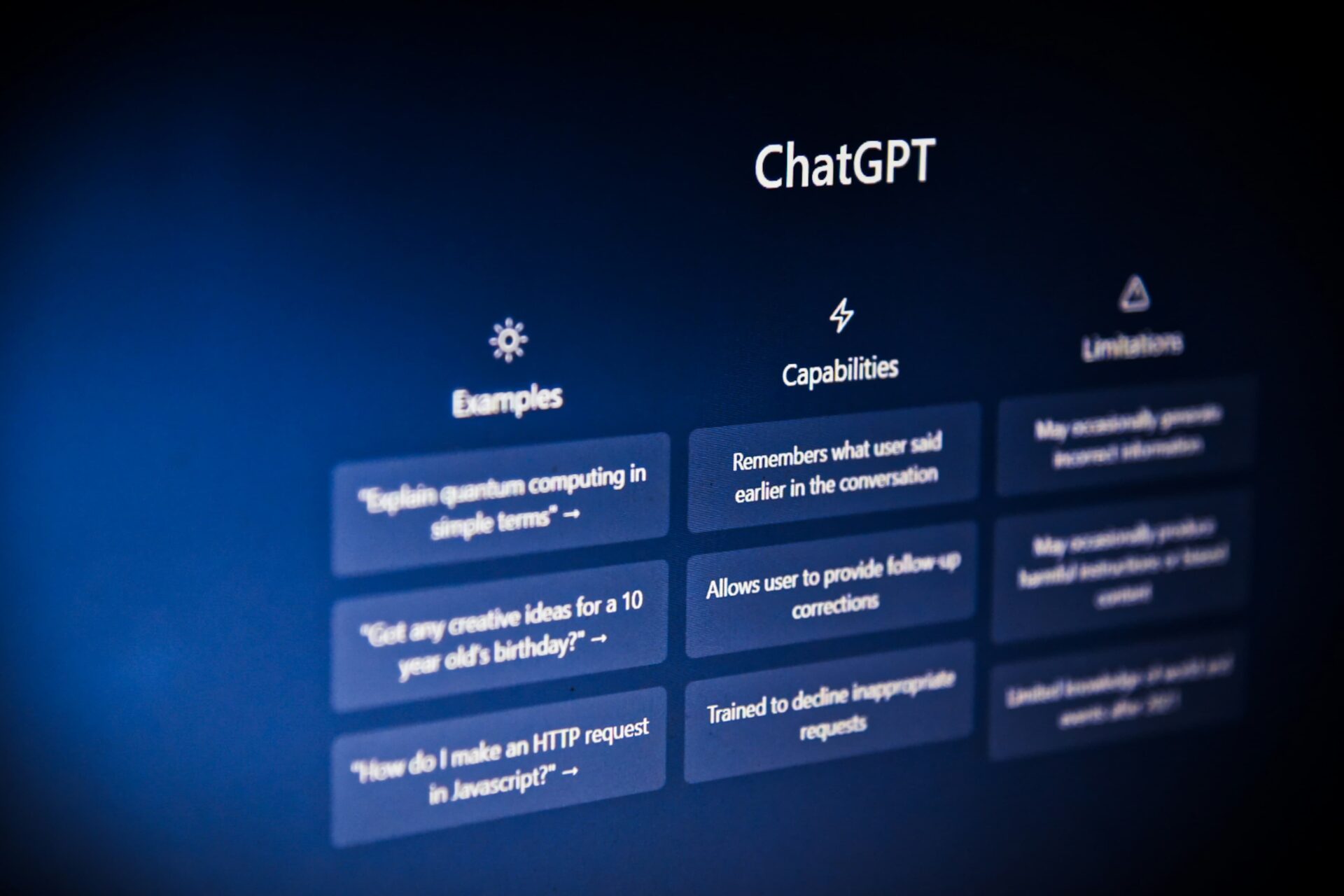
Most people assume that getting real value from ChatGPT requires a paid subscription. That assumption is wrong. In 2026, ChatGPT’s free tier is more capable than ever, and for the majority of everyday users it is genuinely all they need. This guide walks you through everything — from creating your account to using ChatGPT like a professional, without spending a single rupee.
What Do You Get with ChatGPT Free in 2026?
Before diving into the how-to, it helps to understand exactly what the free plan includes. Many people do not realize how much is available at no cost.
Free ChatGPT users in 2026 get access to GPT-5.5, OpenAI’s powerful language model, with a daily usage limit. When you reach that limit, the system automatically switches to a lighter version that is still capable of handling most basic tasks. The limit resets within a few hours, so you are never locked out permanently.
The free plan also includes image uploads, PDF document reading, web browsing for current information, image generation with a daily cap, and access to thousands of custom GPTs built by the community. These are not stripped-down demo features — they are the same tools paid users have, just with tighter daily limits.
Step One: Create Your Free Account
Getting started takes less than two minutes.
Open your browser and go to chat.openai.com. You will see a simple page with two options — Log In and Sign Up. Click Sign Up.
You can create an account using your Google account, your Microsoft account, or any email address. No credit card is required at any point. OpenAI will send a verification code to your email — enter it, and your account is immediately active.
Once you are in, you land directly on the chat screen with ChatGPT ready to use. You do not need to configure anything or choose a plan. The free tier is the default.
If you prefer using your phone, download the official ChatGPT app from the Google Play Store or Apple App Store. Both are free to download and use the same account.
Step Two: Write Your First Prompt
The text box at the bottom of the screen is where you type your questions or instructions. This is called a prompt.
A prompt is simply whatever you want to say to ChatGPT. It can be a question, a request, a piece of text you want help with, or a task you want completed. ChatGPT responds like a knowledgeable assistant who is ready to help with almost anything.
Here are some examples of simple first prompts to try:
“Explain what artificial intelligence is in simple words.”
“Write a short professional email declining a meeting.”
“Give me five ideas for a birthday gift for a teenager.”
“Summarize this paragraph for me.” — then paste any text below it.
Each of these will give you a useful, immediate response.
Step Three: Learn to Write Better Prompts
The single biggest difference between people who get great results from ChatGPT and people who get disappointing results is how they write their prompts. Better prompts produce dramatically better output.
Here is the most important principle: be specific. Instead of asking “write me a blog post,” say “write a 500-word blog post about the benefits of daily walking for office workers, in a friendly and conversational tone.”
Include context whenever it helps. If you are writing an email, tell ChatGPT who you are writing to and why. If you want a summary, tell it how long you want it and what the key points should focus on.
Ask for a specific format when you need one. You can request bullet points, numbered lists, tables, or flowing paragraphs — ChatGPT will follow your instructions.
If the first response is not quite right, do not start over. Just reply with feedback: “Make it shorter,” or “Use a more formal tone,” or “Add more detail about the third point.” ChatGPT remembers the entire conversation and will adjust accordingly.
What Can You Actually Do with ChatGPT for Free?
Here is a practical breakdown of the most useful things free users can do:
Writing Help ChatGPT can write emails, essays, social media captions, product descriptions, cover letters, and almost any other written content. It can also proofread your existing writing, suggest improvements, and fix grammar errors.
Learning and Explaining If you are trying to understand a difficult concept — whether it is a technical topic, a historical event, or a legal document — ChatGPT can explain it in plain language at whatever level of detail you need.
Research and Summarizing You can paste a long article, report, or document and ask ChatGPT to summarize the key points. With web browsing enabled on the free plan, it can also search for current information.
Coding Help Free users can ask ChatGPT to write code, debug errors, explain what a piece of code does, or help build small projects. It supports dozens of programming languages.
Image Uploads You can upload a photo, screenshot, or PDF and ask ChatGPT questions about it. This is useful for reading documents, understanding graphs, or analyzing any visual content.
Creative Work ChatGPT can help with creative writing, story ideas, song lyrics, poetry, scripts, and brainstorming sessions of all kinds.
How to Make the Most of the Daily Limit
The free plan has a message limit, but there are smart ways to work within it without hitting the ceiling too quickly.
Combine your questions into one well-written prompt instead of sending multiple short messages. Instead of asking three separate questions, ask all three in a single message. This uses one message slot instead of three.
When the limit is reached, you have two good options. First, wait — the limit resets within a few hours. Second, switch temporarily to a free alternative. Google Gemini, Claude, and Microsoft Copilot are all free and capable options that can handle tasks while your ChatGPT limit resets.
Using all of these tools together effectively gives you access to far more AI capability than any single free plan provides.
Is the Free Plan Enough?
For most people, yes. Students, writers, small business owners, and everyday users who need help with writing, research, or learning rarely hit the ceiling on a normal day.
The situations where upgrading to a paid plan genuinely makes sense are limited. If you use ChatGPT for client work every single day at high volume, need access to the most advanced reasoning models without any limits, or require features like custom GPT creation, then the paid plan becomes worth considering. For everyone else, the free tier does the job.
A Few Things to Keep in Mind
ChatGPT is a powerful tool but it is not perfect. It can make mistakes, especially on factual questions about recent events or highly specific technical topics. Always verify important information from a reliable source before acting on it.
Privacy is also worth thinking about. On the free plan, OpenAI may use your conversations to improve its models. Avoid sharing sensitive personal information, passwords, or confidential business data in your chats.
Getting Started Today
You now have everything you need. Go to chat.openai.com, create your free account in under two minutes, and start with a simple question or task. The best way to get comfortable with ChatGPT is simply to use it — the learning curve is far gentler than most people expect.
Within a few days of regular use, you will wonder how you managed without it.